
 Image 1 of 12
 Image 2 of 12
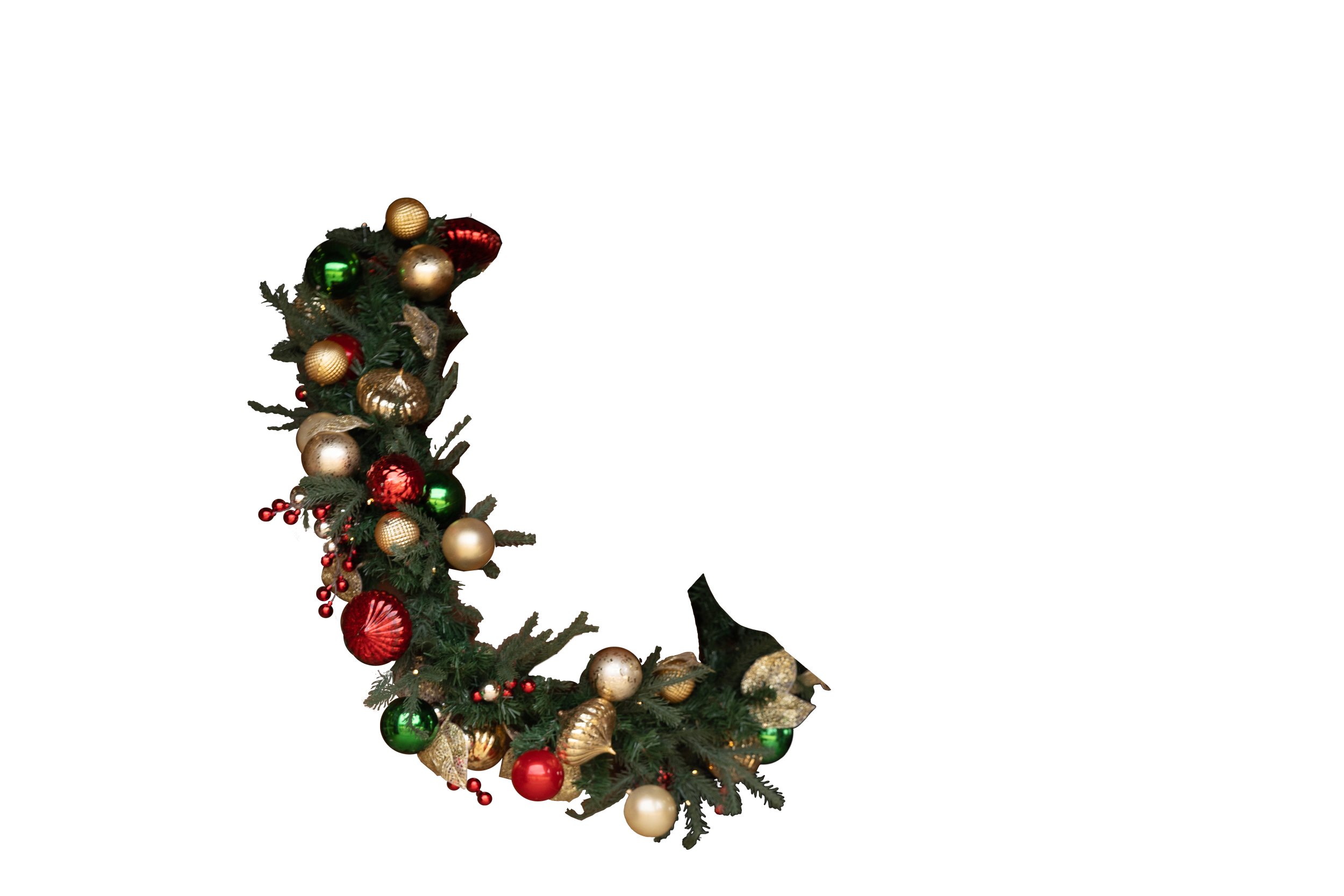 Image 3 of 12
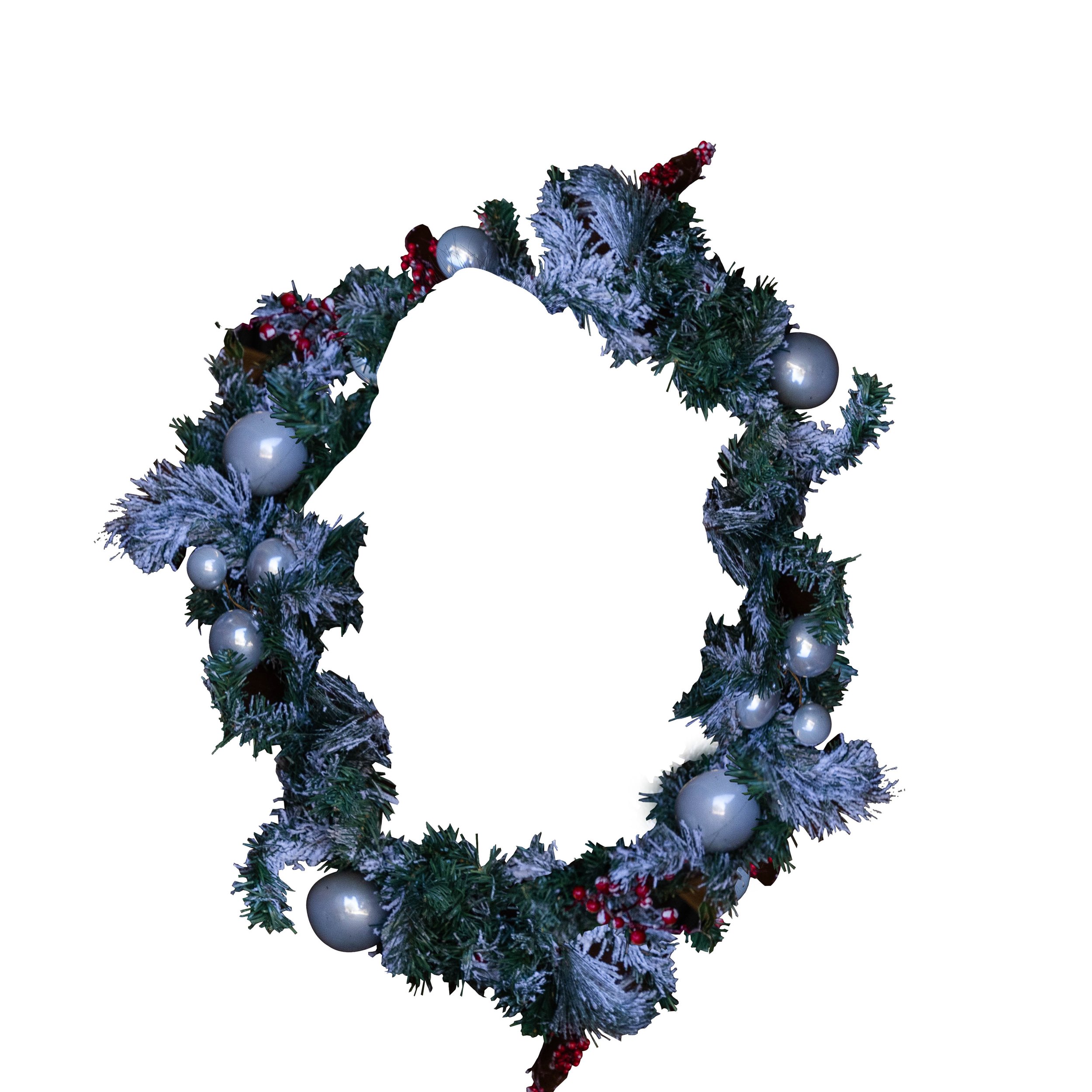 Image 4 of 12
 Image 5 of 12
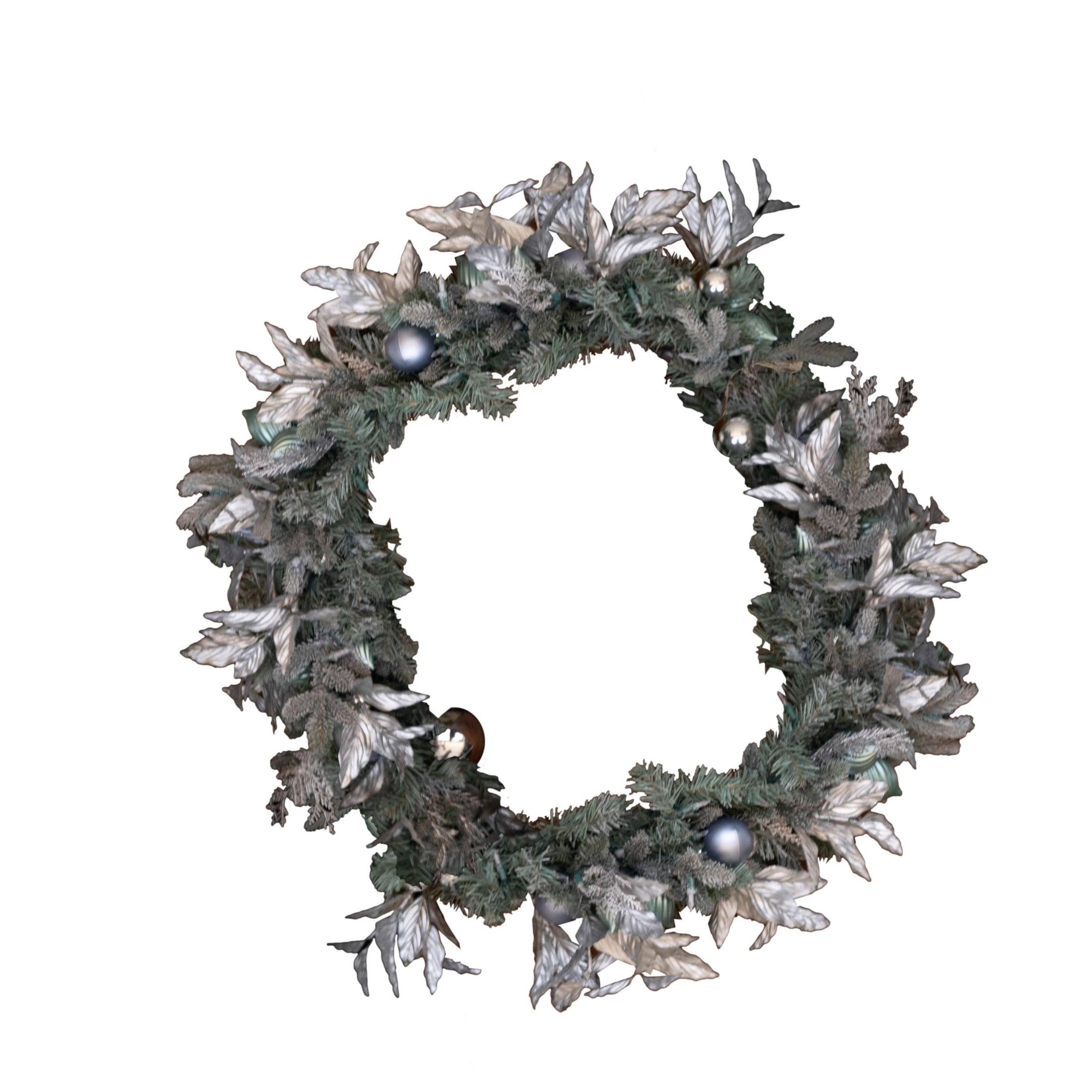 Image 6 of 12
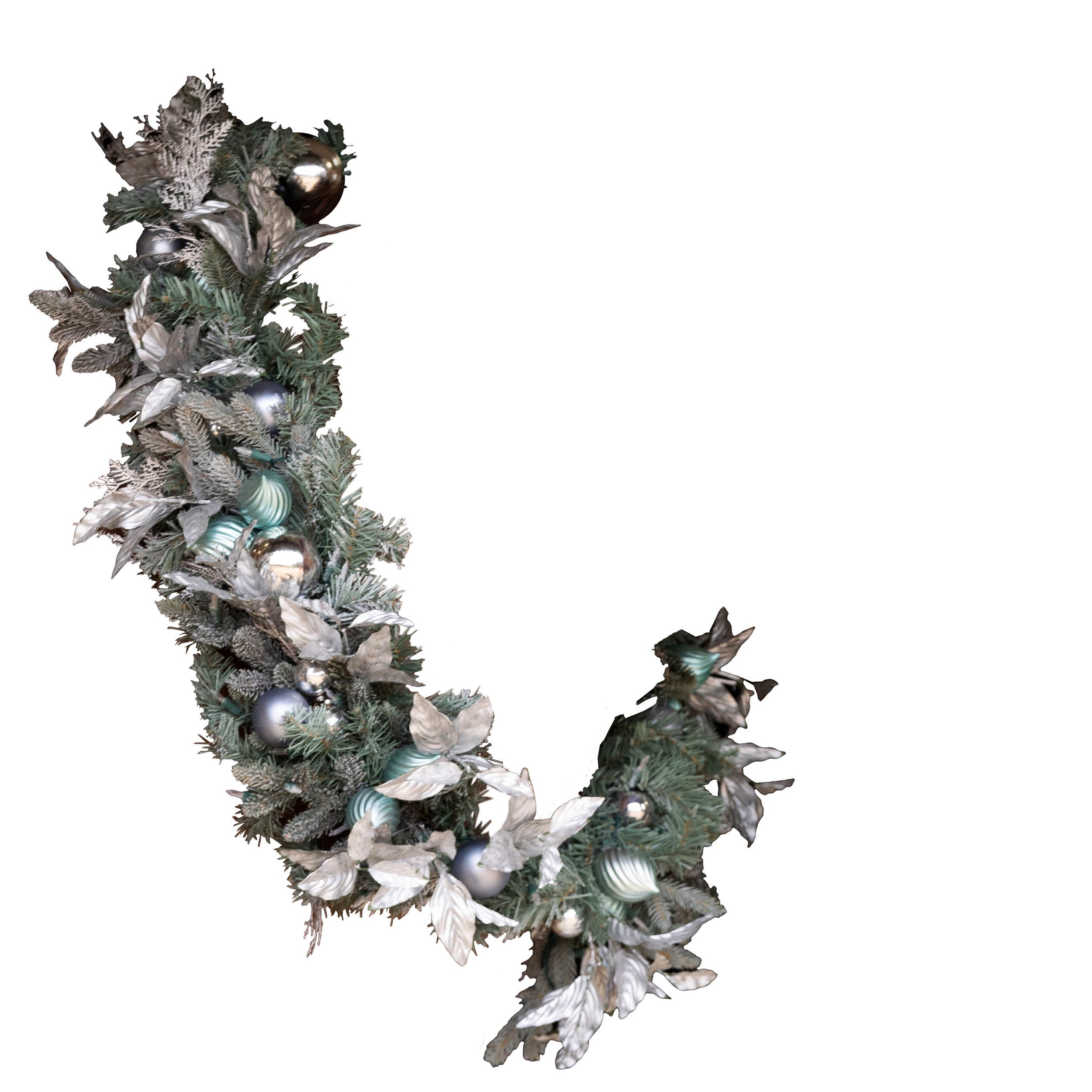 Image 7 of 12
 Image 8 of 12
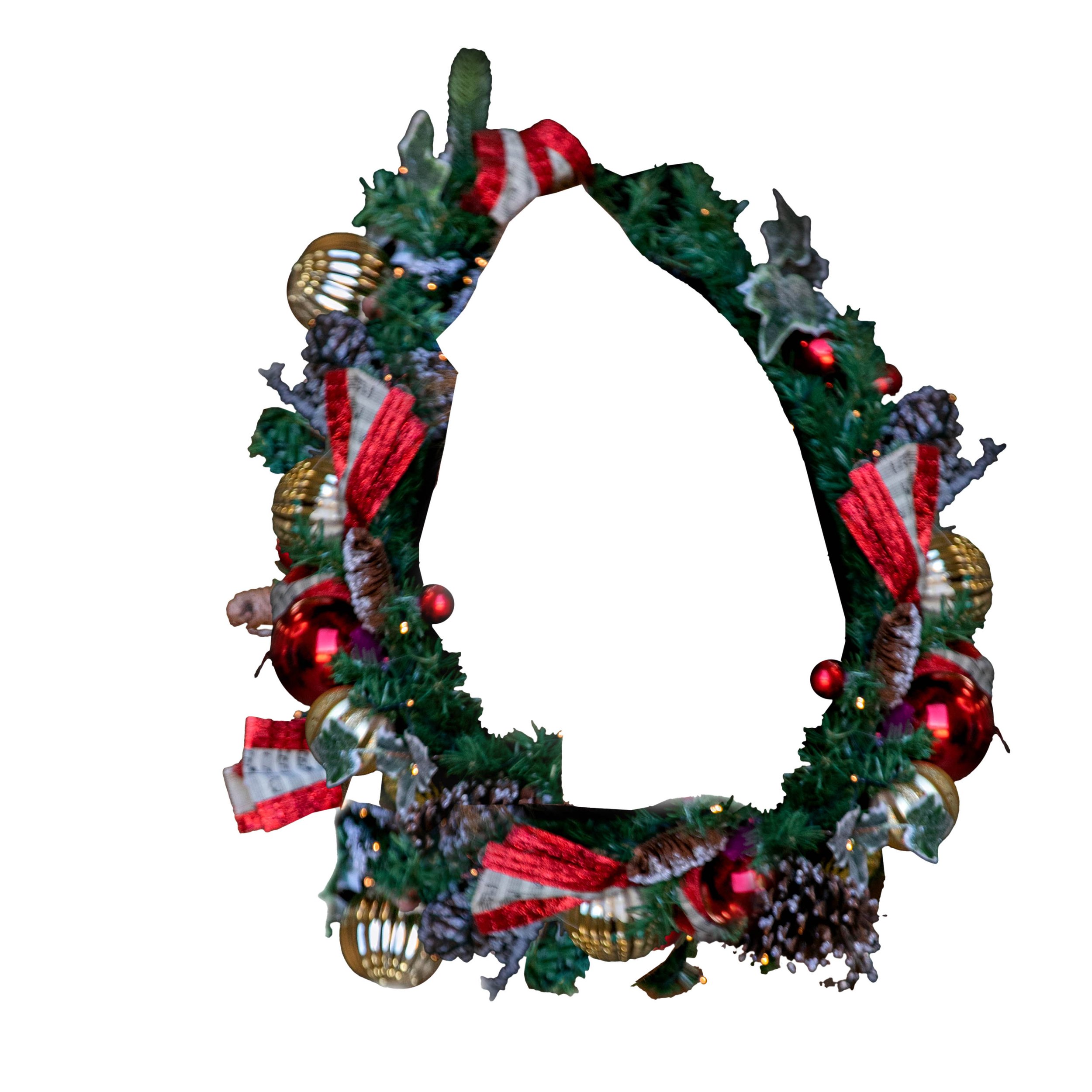 Image 9 of 12
 Image 10 of 12
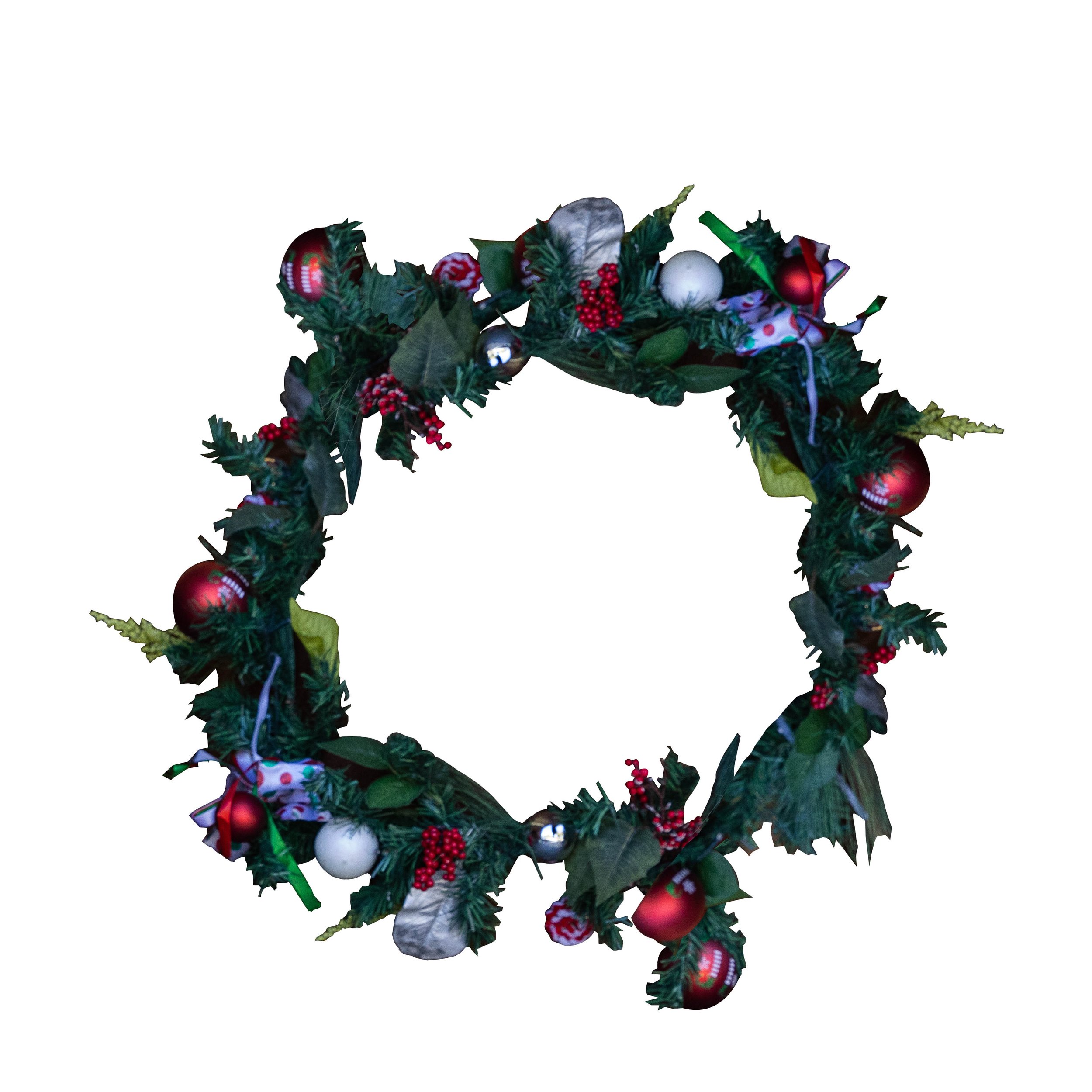 Image 11 of 12
 Image 12 of 12
To use, This are for windows, please modify for mac
Open your photo you want to add the overlay too.
Go to file- Place Embed and add the over lay and size, rotate as needed (Control T) - hit enter
Use edit- transform- warp or edit- puppet warp to adjust the wreath to fit.
Make the overlay a mask to mask out any parts not needed.
I like to use blending options for the mask to add a very light drop shadow to add dimension.
No pose will completely fix the wreaths and you may need to add pieces by cloning or delete some with masking.